London Marathon Fundraising Advice & Resources
Fundraising for the TCS London Marathon will take up much of your time in the build up to the event, we hope these resources give you everything you need to maximise your fundraising.
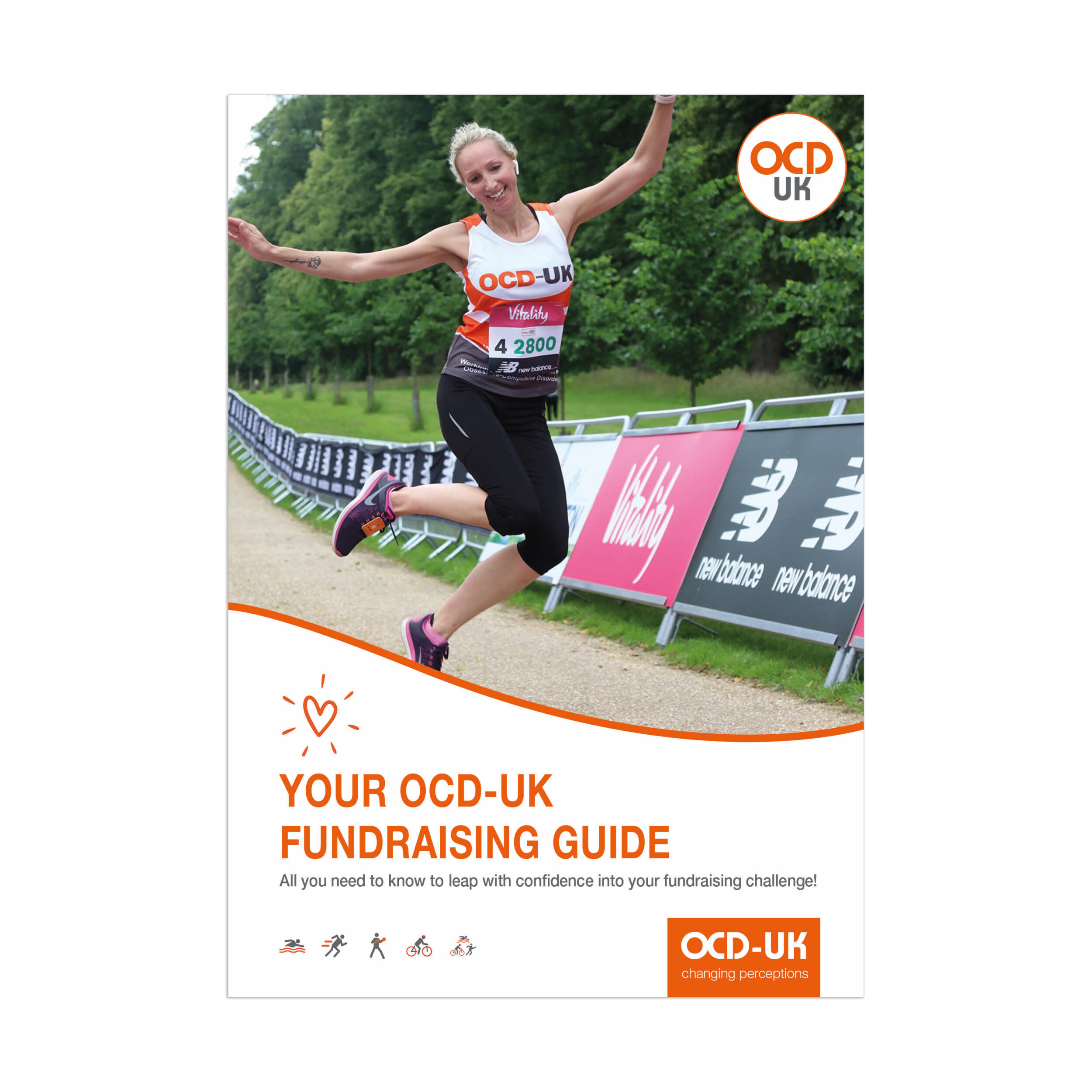
Fundraising Guide
On it's way to you very soon will be a copy of our fundraising guide. The booklet will help you get started with ideas for your fundraising.
In the mean time scroll down to learn how to setup your online fundraising page. Remember, the best fundraising pages are ones that include your story, images and importantly, why you are choosing to run for OCD-UK.
Get started quickly and easily
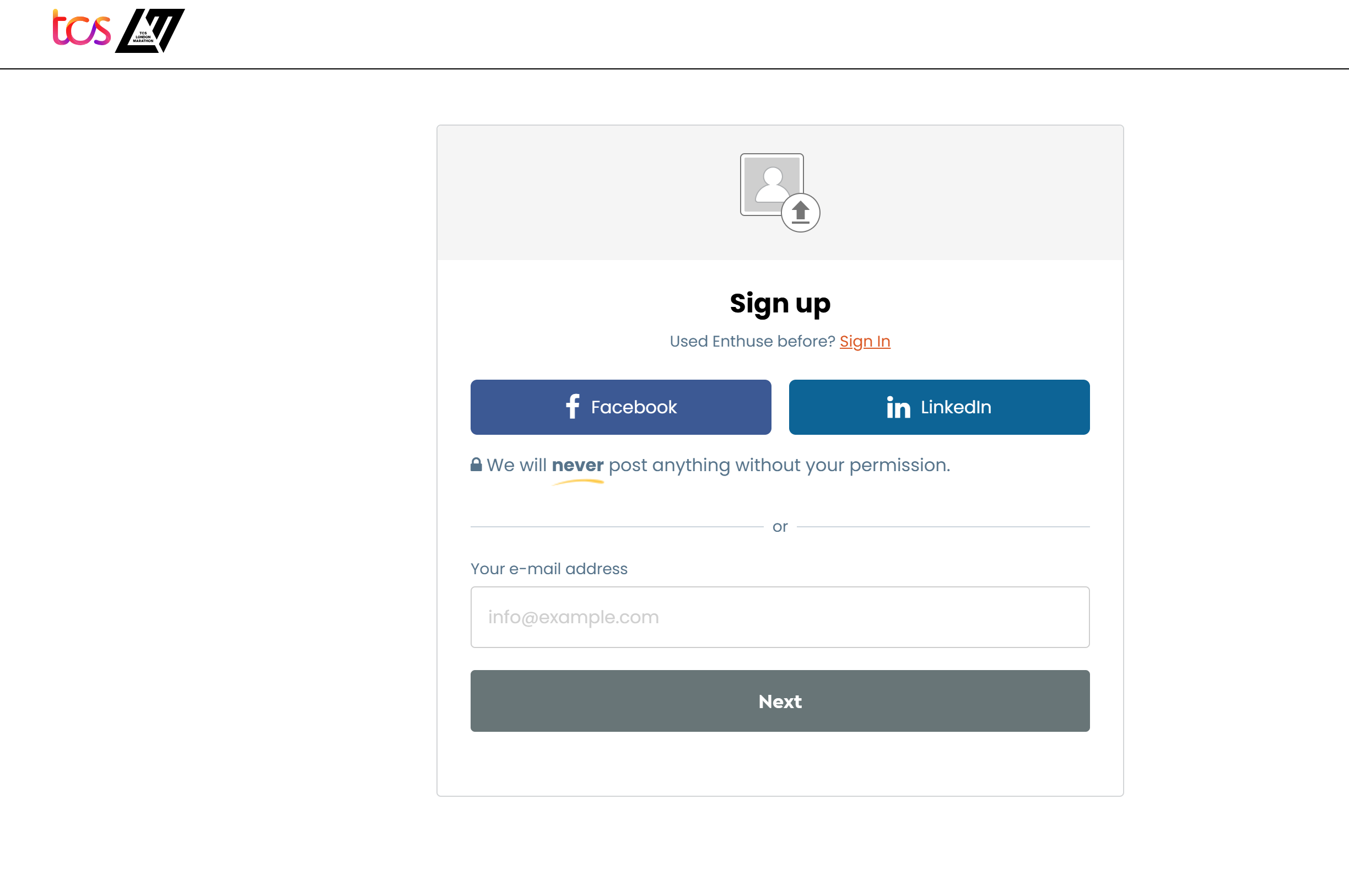
- Click on the button above or this link to Enthuse
- Enter your fundraising target, we are asking for £2,500 as a minimum
- Upload a profile picture
- Upload a header image - ideally a memorable picture
- Enter your fundraising page title - catchy grabs attention!
- Let people know why you're raising money for OCD-UK - personal stands out.
- You can choose to customise your URL to a memorable title
- Confirm your notification preference
- Finalise and launch your page
- Send OCD-UK your fundraising page link by emailing fundraising@ocduk.org
- Share your fundraising page across your socials
You can always come back and edit some aspects of your fundraising page from steps (3 - 6) at a later date.
Get started quickly and easily
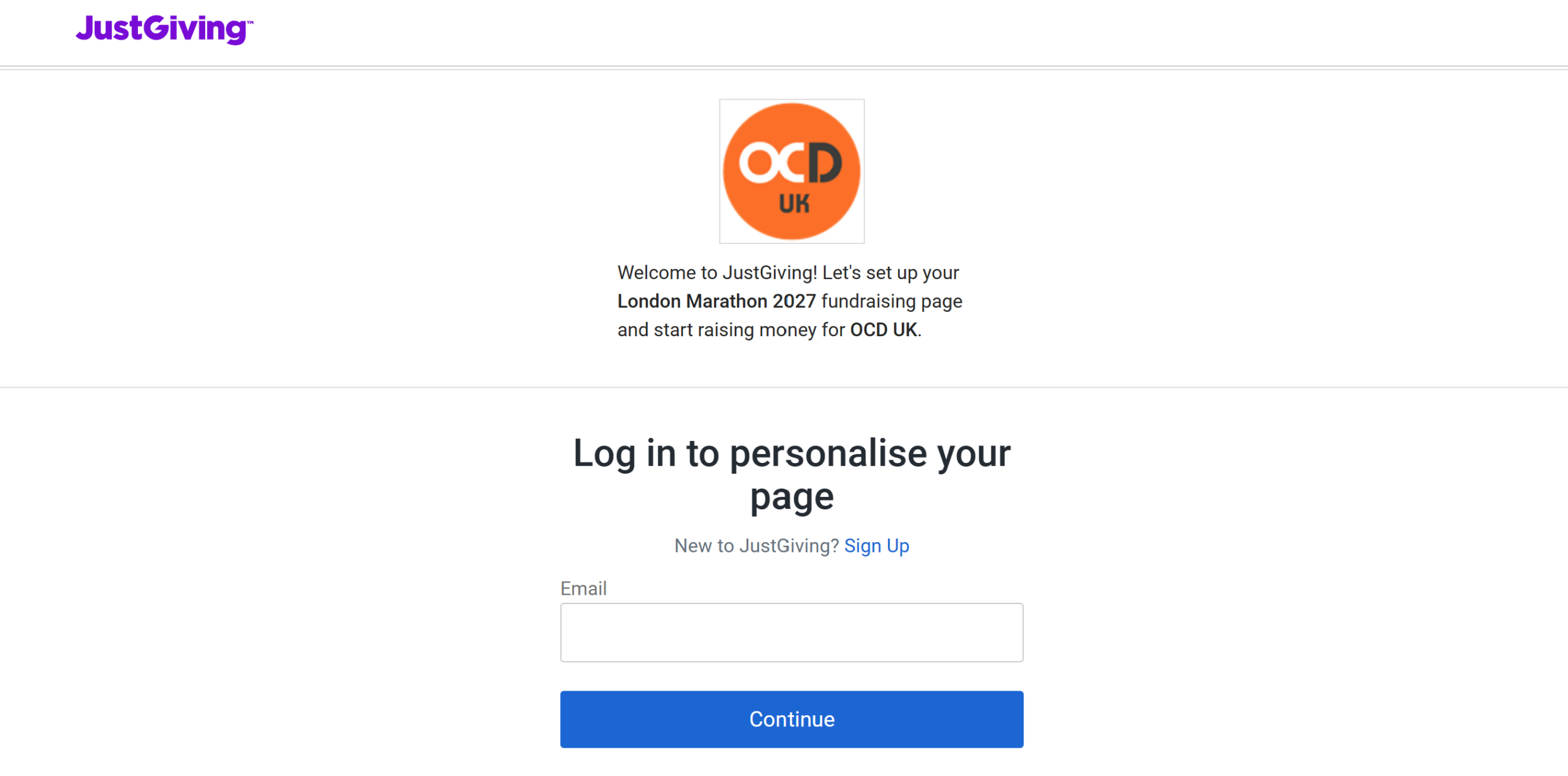
- Click on the button above or this link to JustGiving
- Enter your fundraising target, we are asking for £2,500 as a minimum
- Enter your fundraising page title - catchy grabs attention!
- Let people know why you're raising money for OCD-UK - personal stands out.
- You can choose to customise your URL to a memorable title
- Upload a cover photo - ideally a memorable picture
- Finalise and launch your page
- Send OCD-UK your fundraising page link by emailing fundraising@ocduk.org
- Share your fundraising page across your socials
You can always come back and edit some aspects of your fundraising page from steps (3,4 and 6) at a later date.